Certificate borders: 20 free blank designs, PNG and PDF
Twenty blank certificate borders, free: each as a transparent PNG (A4 at 300 dpi, 3508 × 2480 pixels) to put behind text in Word, Google Docs or Canva, and as a PDF to print and write on by hand. No sign-up and no credit line. To type the wording onto one instead, open it in the certificate maker: the same border, with the name, school and signatures set for you.
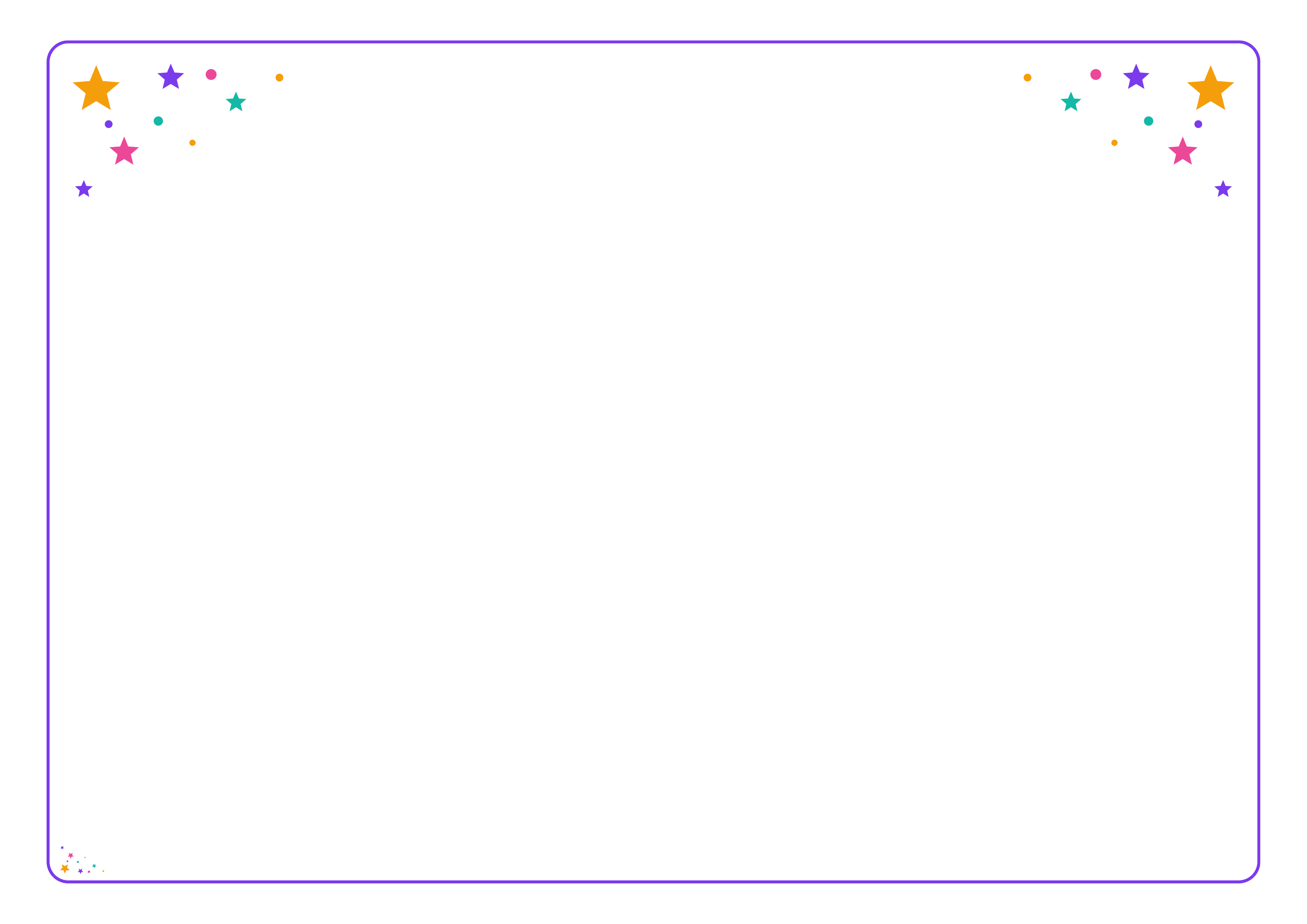
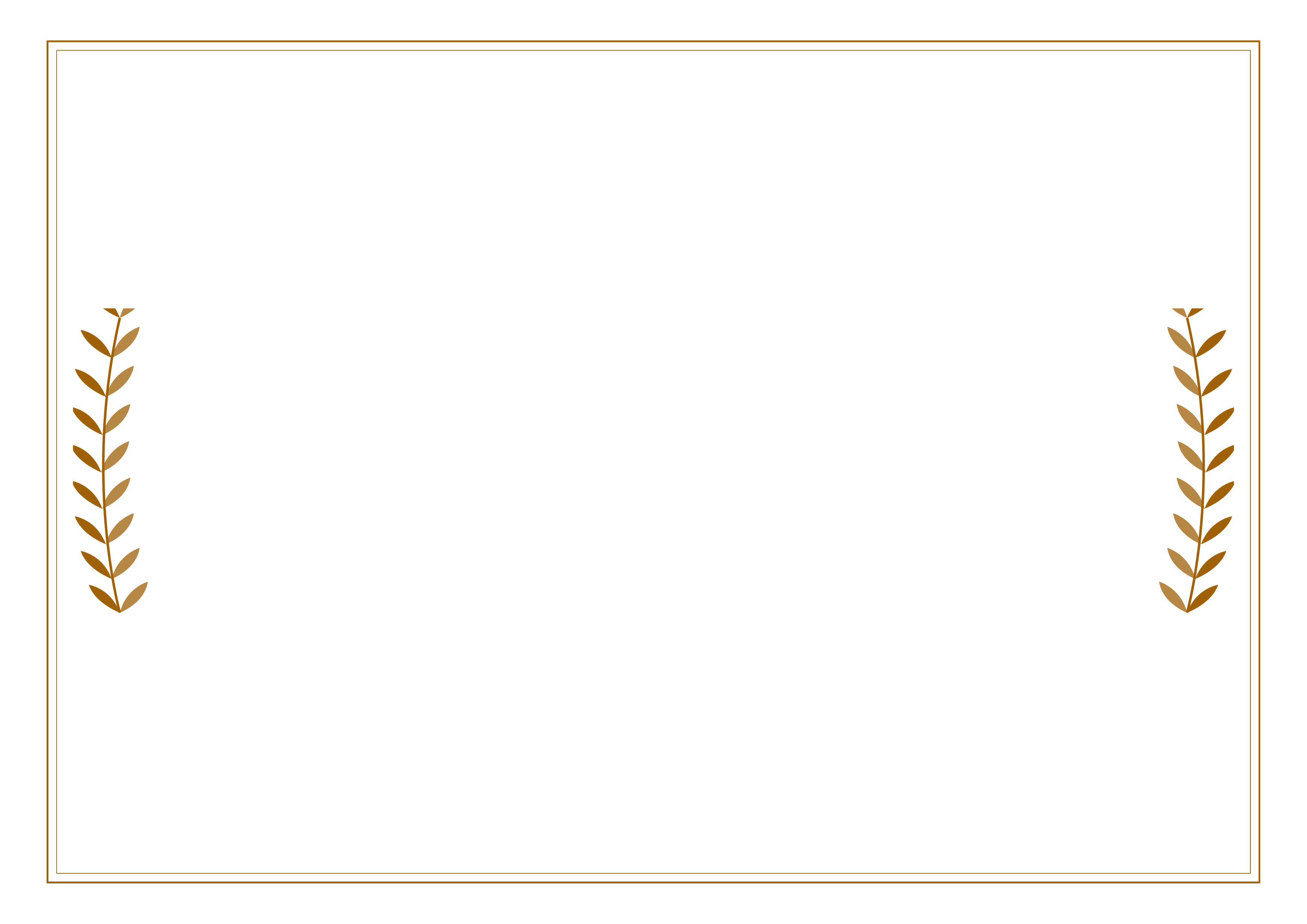
These are the frames of the twenty designs in our certificate maker, with nothing written on them — four drawn from Nepal (Dhaka cloth, the Himal, a toran, a crimson diamond frame), and gold, simple, modern, school, sports and kids looks. Nineteen are landscape and one, Achievement, is portrait.
Nepali borders

For schools
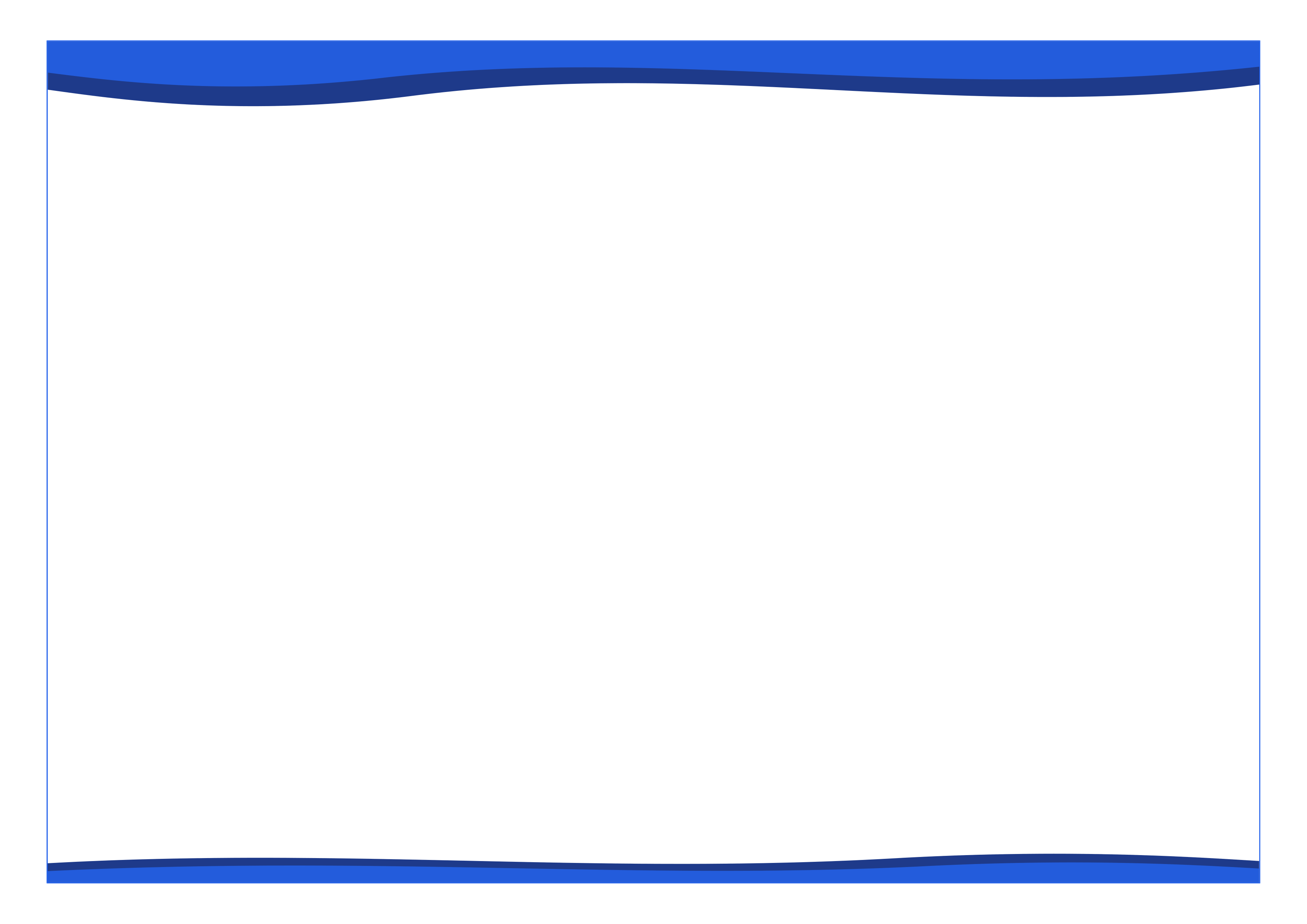
Bands border
Blue and red bands, a swoosh under the name of the school — board exams and associations
Type on it →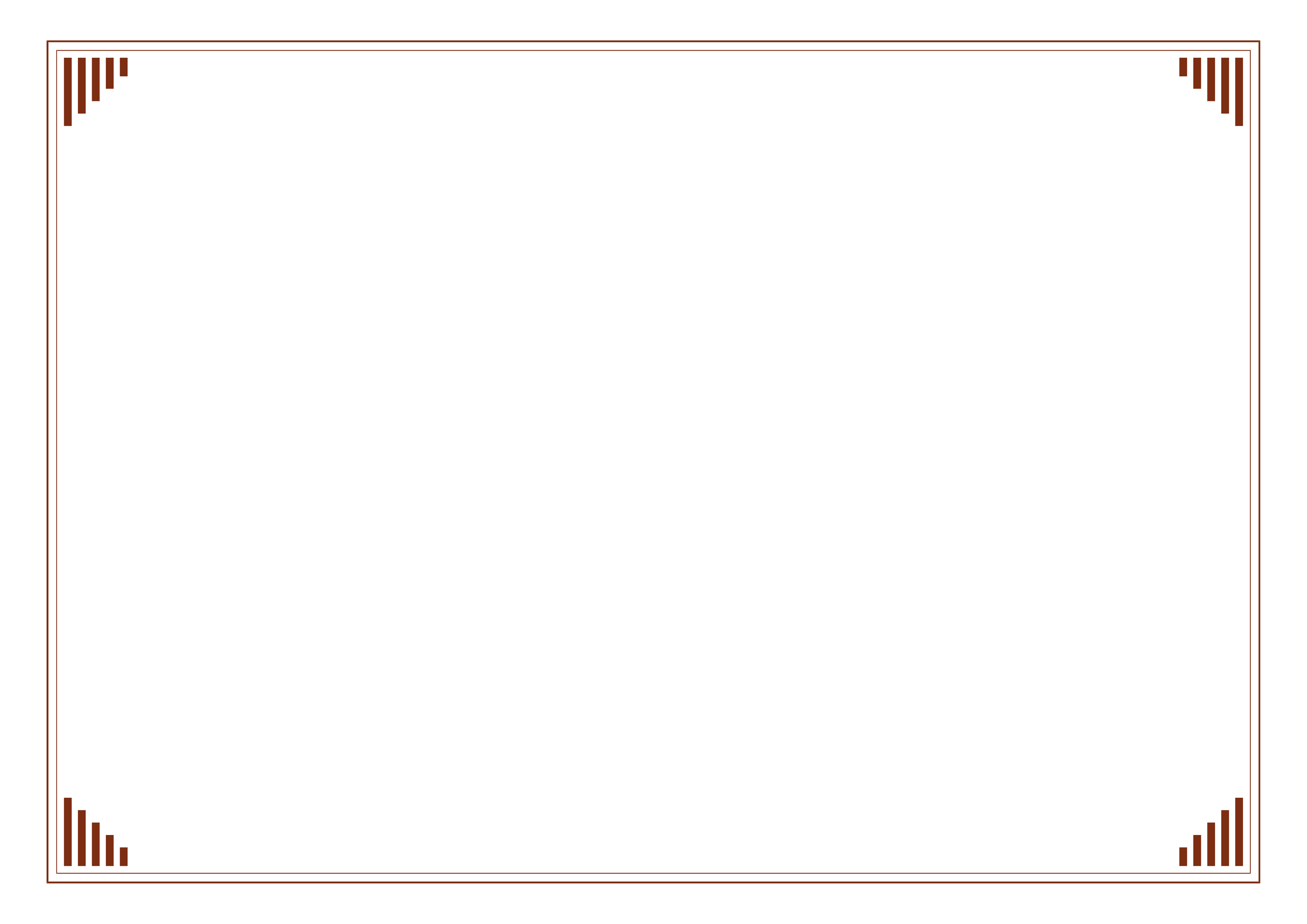
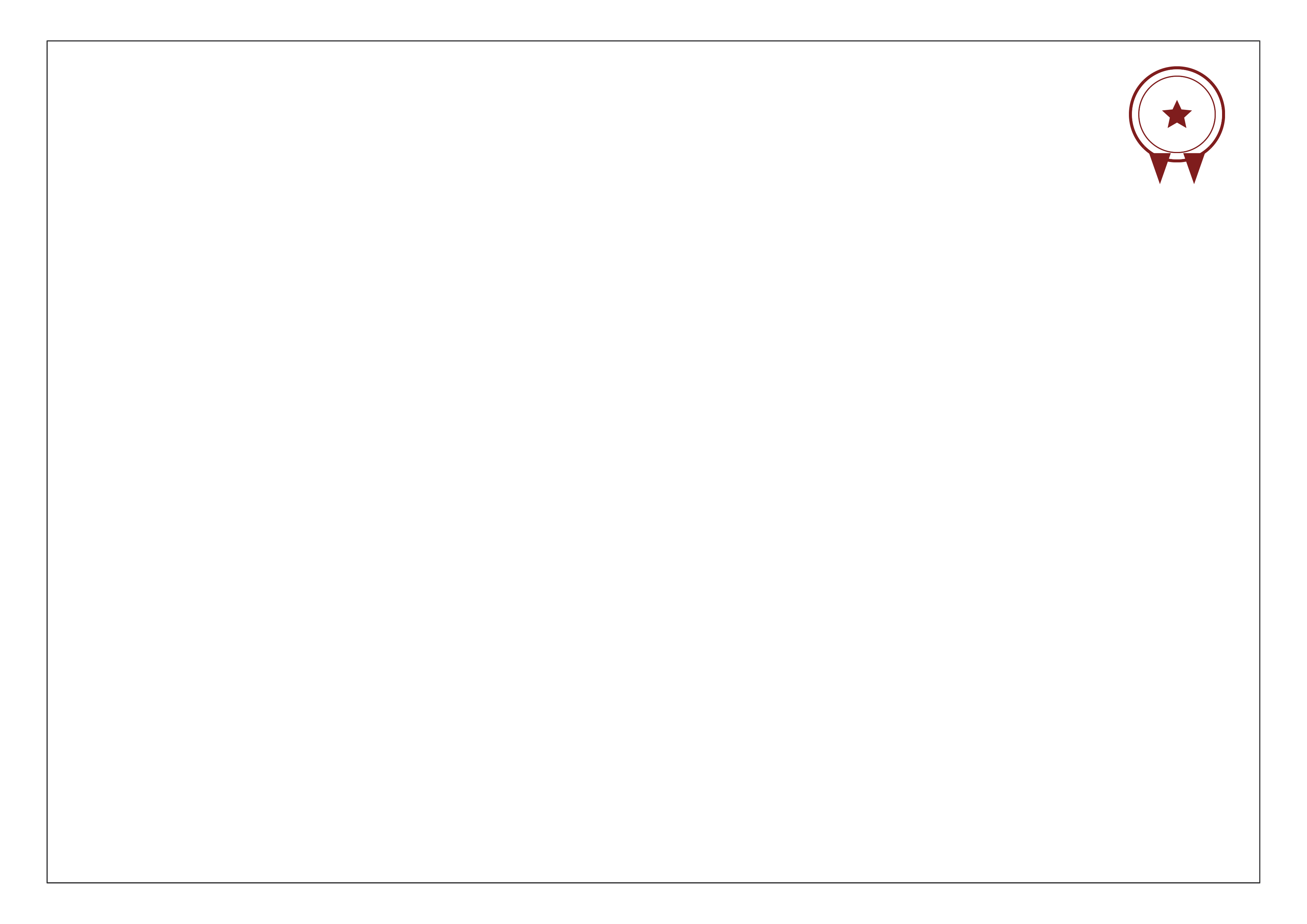
Maroon border
One colour, corner bars, the school's name large — sports days and school events
Type on it →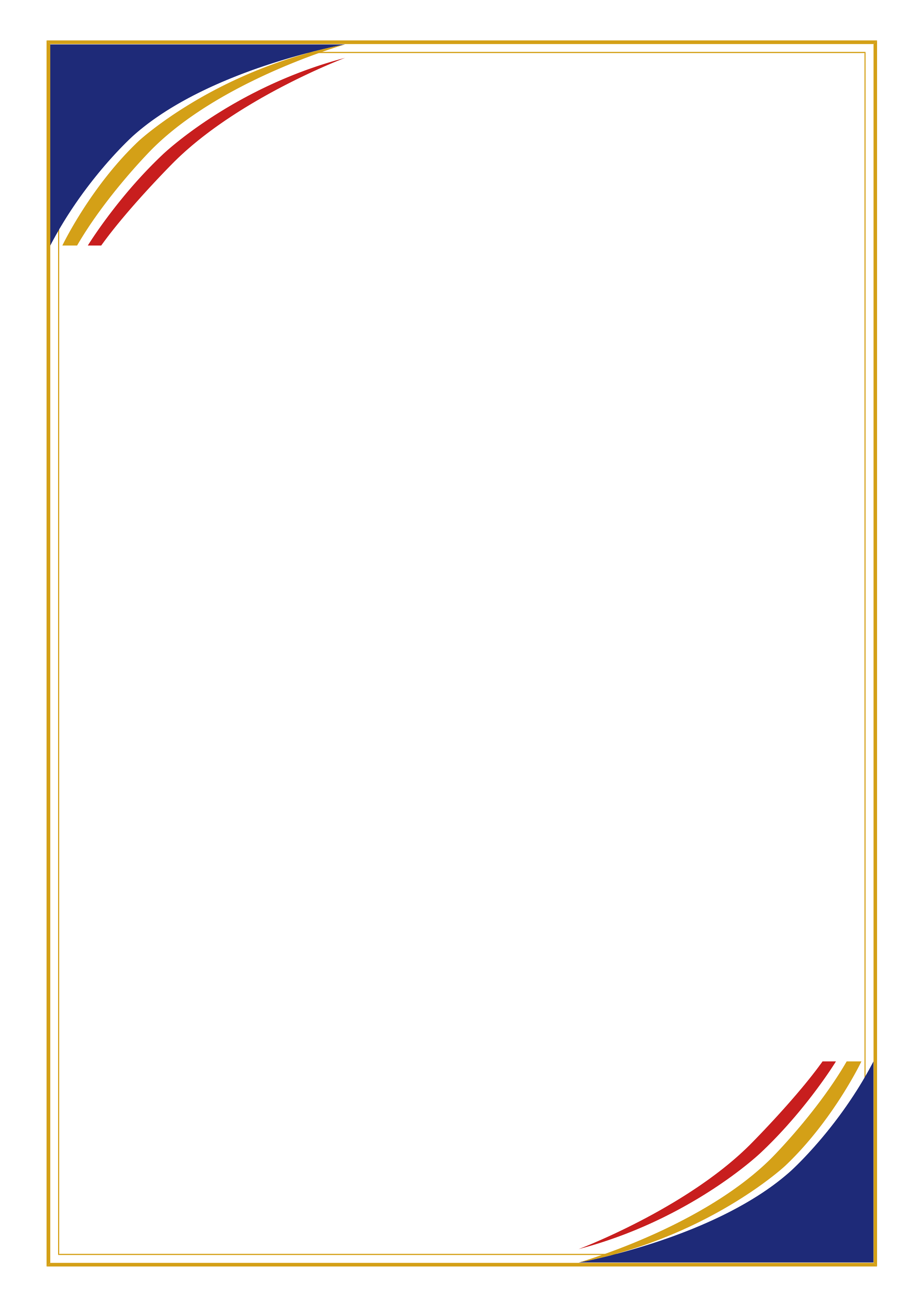
Achievement border
Upright, navy and gold swooshes, the title on a ribbon — results and ranks · portrait
Type on it →

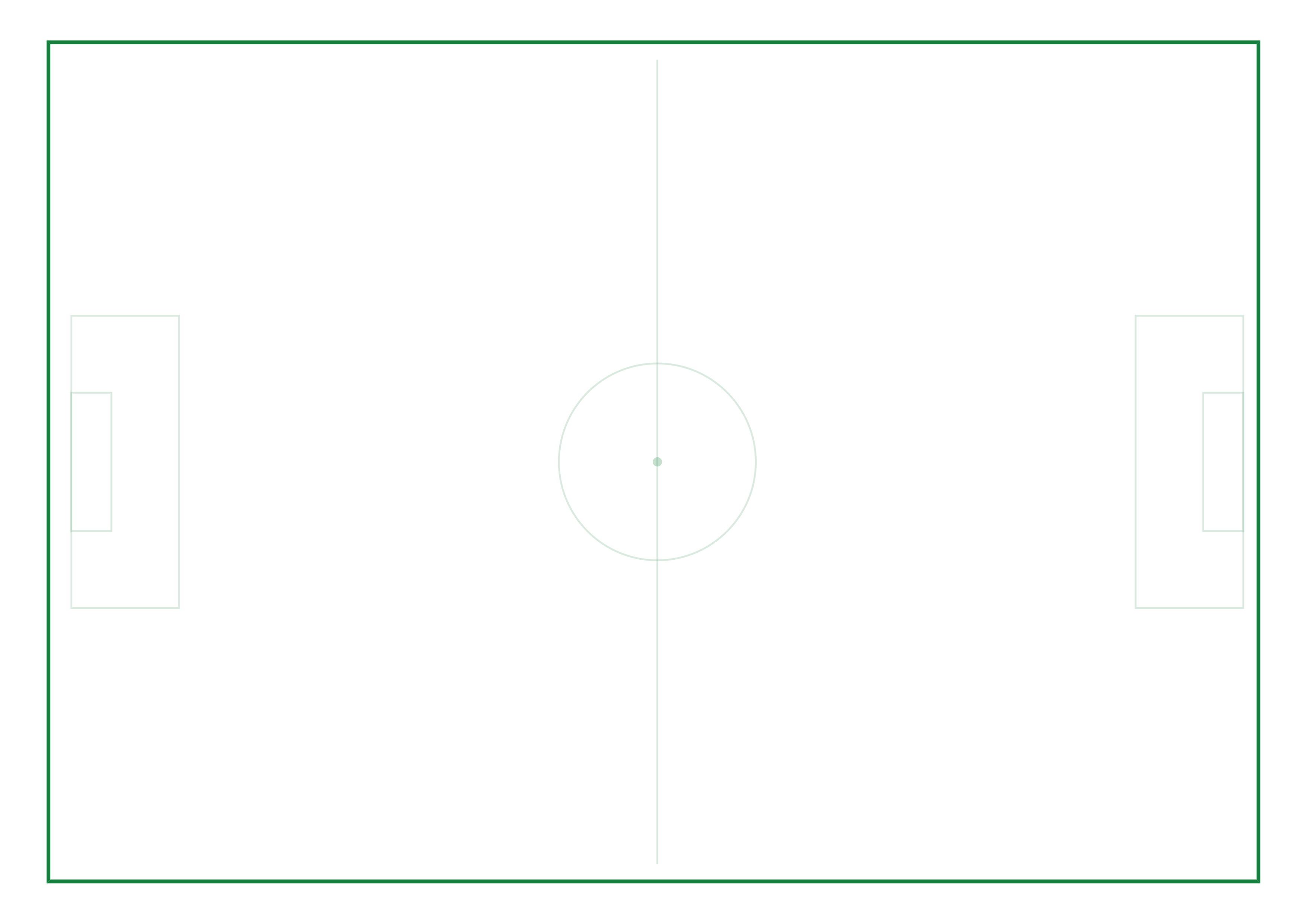
Sports and prizes

Modern and office





How to use a certificate border
In Microsoft Word
- Layout → Orientation → Landscape (Portrait for Achievement), and Margins → Narrow.
- Insert → Pictures → This Device, and choose the PNG.
- Click the picture, then Wrap Text → Behind Text, and drag its corners to the edges of the page.
- Type the certificate inside the border; centre the lines and give the name a larger size.
In Google Docs or Canva
- Google Docs: File → Page setup → Landscape, margins 0.5 cm; Insert → Image → Upload; then Behind text from the image options.
- Canva: create an A4 landscape design, upload the PNG, and set it as the background (right-click → Set image as background).
By hand
- Print the PDF on A4 — on 200–250 gsm card if it will be framed — and write the name and wording with a fine pen.
- For a class or a whole event, the certificate maker prints a certificate per name from a pasted list, so nothing has to be written by hand.
To skip the typing, the certificate designs page shows all twenty with your own school and name, and the maker sets the wording for you.
Free to use
These borders are drawn by CareerKyt. Use them free for certificates of any kind — school, office, club, event, personal or paid work — print them, change their colour and put your own wording on them, with no sign-up and no credit line needed. The one thing not allowed is selling or giving away the borders themselves as a template pack.
Common questions
Are these certificate borders free to use?
Yes. They are our own drawings: use them for school, office or event certificates, print them, and change them, with no sign-up and no credit line. Only selling the borders themselves as a template pack is not allowed.
What size are the PNG files?
A4 at 300 dpi: 3508 × 2480 pixels landscape (2480 × 3508 for the portrait Achievement design), with a transparent background, so they print sharp and sit behind text in Word without a white box.
Can I change the colour of a border?
Yes. Open the design in the certificate maker, choose Names → Border only, no wording, pick one of seven colours, and download the PDF.
Is there a Nepali certificate border?
Four: Dhaka (bands of Dhaka-cloth triangles), Himal (a Himalayan skyline), Toran (festival bunting) and Nepali (a crimson double frame with diamond corners).
Can I type the certificate online instead?
Yes. Press Type on it under any border: the certificate maker opens with that design, fills the wording for a participation, appreciation, training or prize certificate, and downloads a print-ready PDF.
Do you have US Letter size?
The files here are A4. The certificate maker prints on Letter when your device is set to it, with the frame redrawn for the page.
In this topic
Certificates
The wording and layout for each certificate an office or employer issues.
Certificate maker — the whole subject in one place
By type
- Experience letter
- Salary certificate
- Character certificate
- Internship certificate
- Training certificate
- No objection certificate (NOC)
- Relieving letter
- Bonafide certificate
- Participation certificate
- Certificate of appreciation
- Prize certificate
Designs
- Certificate designs — all 20
- Certificate borders — blank PNG and PDF
- प्रशंसा पत्र, सम्मान पत्र र अभिनन्दन पत्रको नमुना
Asking for one
Drawn by the CareerKyt certificate maker. Updated 2026-11-27.